Design Flex Onboarding

Explore centralized onboarding resources for new and existing Design Flex customers: login to your Cyncly Account, activate your subscription, complete setup, learn best practices with self-paced and instructor-led training, access expert support and more to get started quickly and make the most of your software.

A group of diverse individuals is engaged in a training session in a computer lab. A young woman in a white shirt is focused on her desktop computer, while another woman in a red sweater with long dreadlocks is sitting next to her. An instructor stands nearby, offering guidance. The room has a modern design with hexagonal wall patterns.

Cyncly Account gives you full control of all your software subscriptions and products.

Design Flex onboarding is streamlined: activate your subscription in Cyncly Account, finalize company and shop details, and set user access so your team can start designing right away. With in-app onboarding and clear help center guides, new users can complete key tasks where they work.

Admins begin by activating Flex for the company, confirming company details, branding, and currency, and updating the Default shop with accurate addresses and contacts. Assign user roles and access before inviting designers to set personal preferences like language, default naming, and price visibility.

Designers can then add a project, configure defaults, and access Cloud catalogs, live pricing, and search to keep designs accurate and up to date. A fast, supported setup helps teams move from activation to production consistently.

Get up & running on Design Flex. Move seamlessly from 2020 Design Live.

We want you to quickly and easily install or update Design Flex.

Here are key points to help on your journey.

Switch to Design Flex for greater flexibility

Group of individuals sitting together in a room, engaged in a meeting.

Design Flex system recommendations

Actively supported operating systems:
  • PC operating systems (64 bit): Windows 11, Windows 10.
Recommended hardware specifications:
  • Processor: Intel i7 (8 Core) or AMD Ryzen 7.
  • System memory: 16 GB RAM.
  • Hard drive: NVMe with 30GB free disk space.
  • Video card: Dedicated video card (such as NVIDIA RTX3050).
Notes:
  • High-speed internet connection for updates and Cloud usage.
  • Running Design Flex Version in a virtual environment such as VMware or Parallels will impact rendering performance.
Explore plans and pricing

FAQs

Your questions about Design Flex answered

A woman wearing a headset

Parlez à un expert des besoins de votre entreprise

Si vous souhaitez explorer de nouvelles possibilités, ou simplement entendre ce que Design Flex peut faire pour vous, nos experts sont là pour vous aider et vous inspirer.

Contactez notre équipe commerciale au numéro vert
+1-866-357-0490.

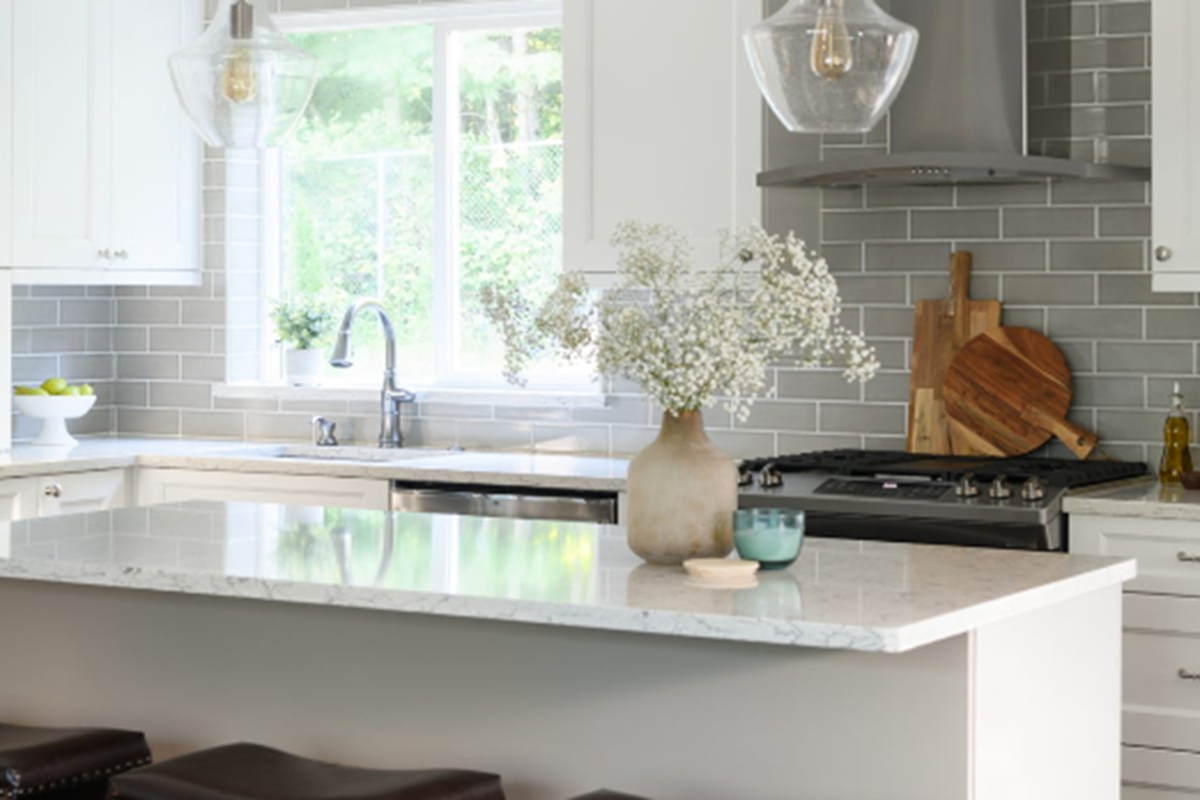
Bright and modern kitchen design created using Design Live by Justine Marie Designs. Features a white island countertop, stainless steel refrigerator, and gray tile backsplash with natural light streaming in through the window.

Voyez Design Flex en action et améliorez votre flux de travail

Réservez votre démo personnalisée pour explorer les fonctionnalités clés, comprendre comment elles simplifient votre flux de travail et vous permettre de concevoir plus rapidement, de conclure plus de ventes et d’améliorer la précision des projets.

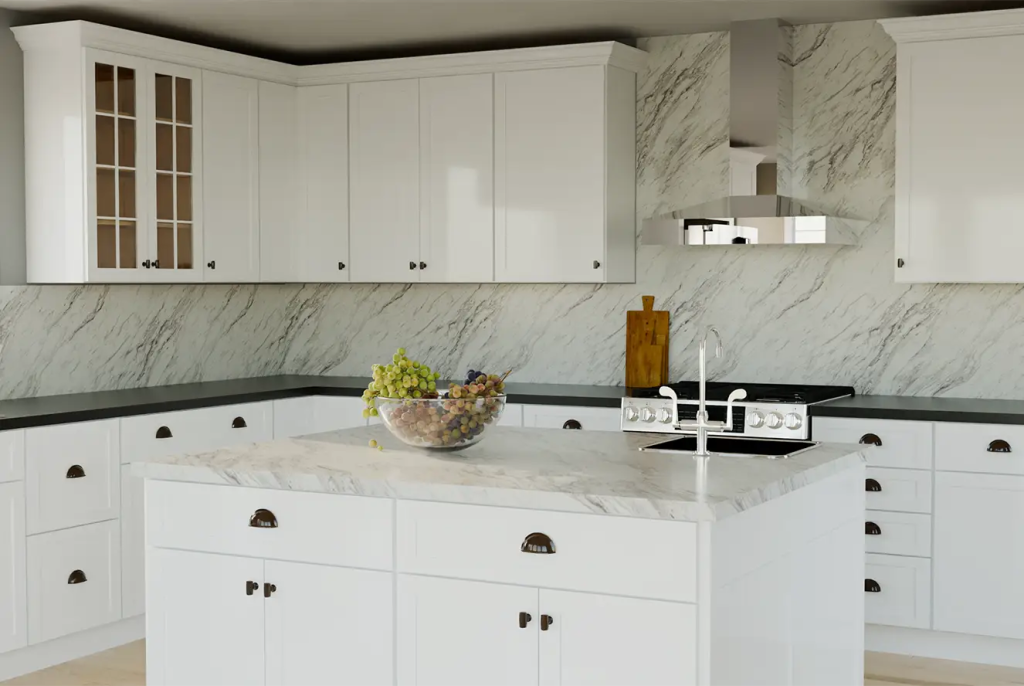
Classic white kitchen with marble backsplash – A traditional white kitchen with shaker cabinets, a marble backsplash, and a large center island with a fruit bowl.

Des histoires de réussite de designers comme vous 

Découvrez comment les designers gagnent du temps, renforcent la collaboration et réduisent les erreurs coûteuses grâce aux outils de travail d’équipe en temps réel de Design Flex et à la gestion de projet pour des flux de travail fluides dans la conception de cuisines et de salles de bains.