Homebase just got smarter. Here’s what’s new.
Revêtements de sol Cuisine Salle de bain

Steven McMullen
At Cyncly Websites we’re always innovating. In June, we delivered a meaningful round of updates to Homebase — the lead management hub at the heart of your business. Whether you’re handling a handful of leads or a full pipeline, these improvements are designed to save you time, reduce friction, and keep you in control from any device.
Here’s everything that’s new.
Lead management, upgraded
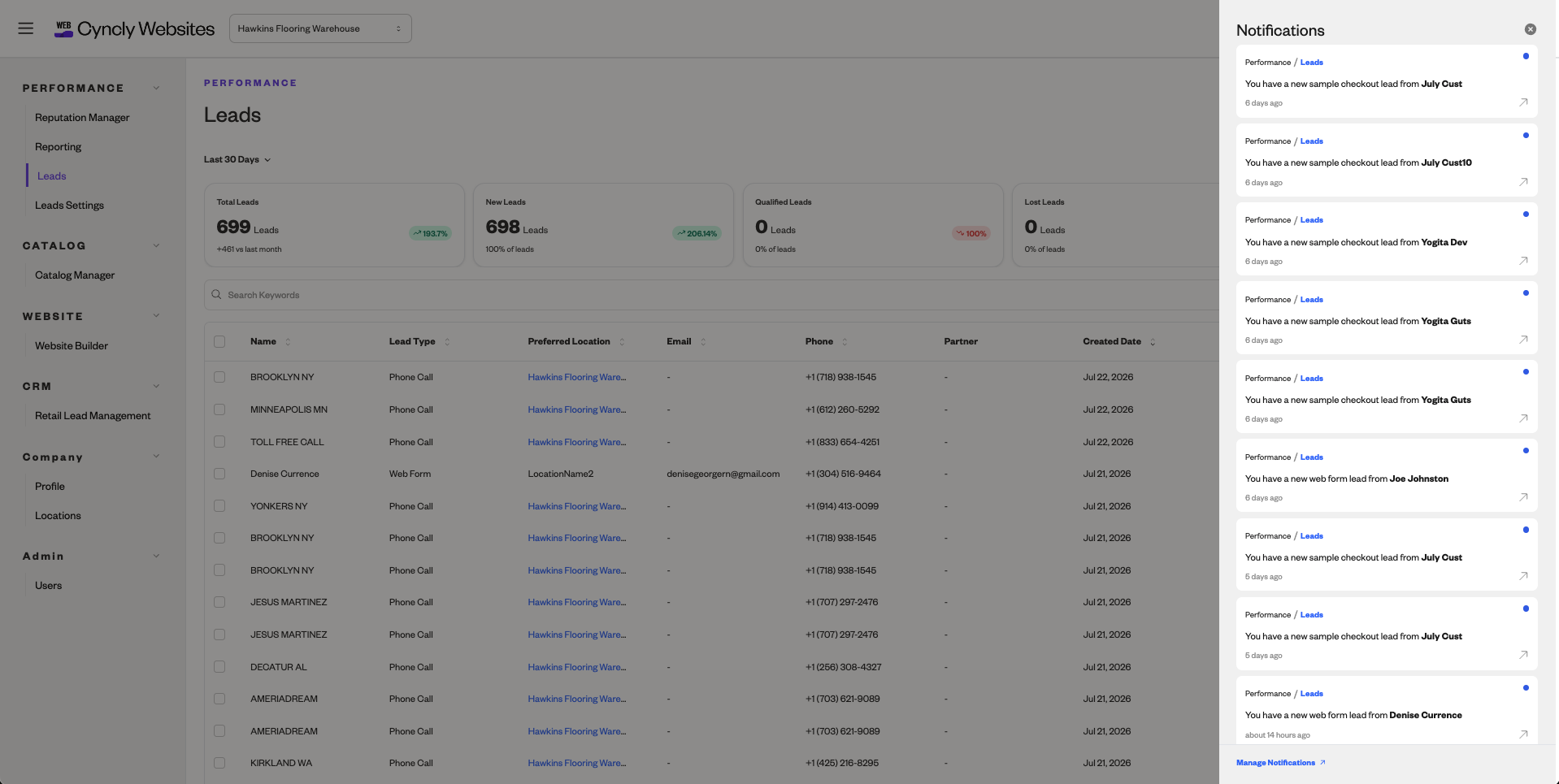
Managing leads should be fast, flexible, and frustration-free. These five enhancements to Homebase’s lead tools make that a reality.
Responsive View
Your leads go wherever you go. Homebase now adapts to any screen size — phone, tablet, or desktop — so you can check, respond to, and manage your pipeline whether you’re at your desk or out on the floor.
Lead Forwarding
Never let a lead sit unseen. Forward incoming leads to any email address — a group inbox, a colleague, or a backup record — so the right person always gets notified, your way.
In-App Notifications
Choose how Homebase keeps you in the loop. Opt for email alerts, in-app notifications, or both. You’re in full control of how and when you’re notified — no more inbox overload if you don’t want it.
Editable Fields
Leads don’t always arrive complete. Now you can correct or fill in missing information directly inside Homebase — on the fly, without workarounds. Clean data, from the moment a lead lands.
Bulk Tools
What used to take twenty clicks now takes one. Set statuses, block spam, and apply tags across multiple leads simultaneously. If you’re managing volume, this is the update you’ve been waiting for.
Website Builder: a faster way to manage your media
A small change with a big impact on your daily workflow.
Asset Grid View
The Website Builder now displays your media library in a visual grid. Scan, find, and preview images at a glance — no more opening files one by one to find what you need. Requested by customers, built for everyone.
Get the most out of Homebase
Want to go deeper? We’ve released two new how-to videos to help you and your team hit the ground running:
How to Use Reputation Manager in Homebase — Take control of your online reviews and brand presence
How to Manage Your Catalog in Homebase — A full overview of managing your product catalog
This is just the beginning
These updates are part of a continued commitment to making Cyncly Websites the most capable, intuitive platform for living spaces retailers. Every release builds on the last. Every feature is driven by what our customers tell us they need.
All updates are live now. Log in to Homebase to explore them, or speak to your account manager if you’d like a walkthrough.
Share this article

Related blogs
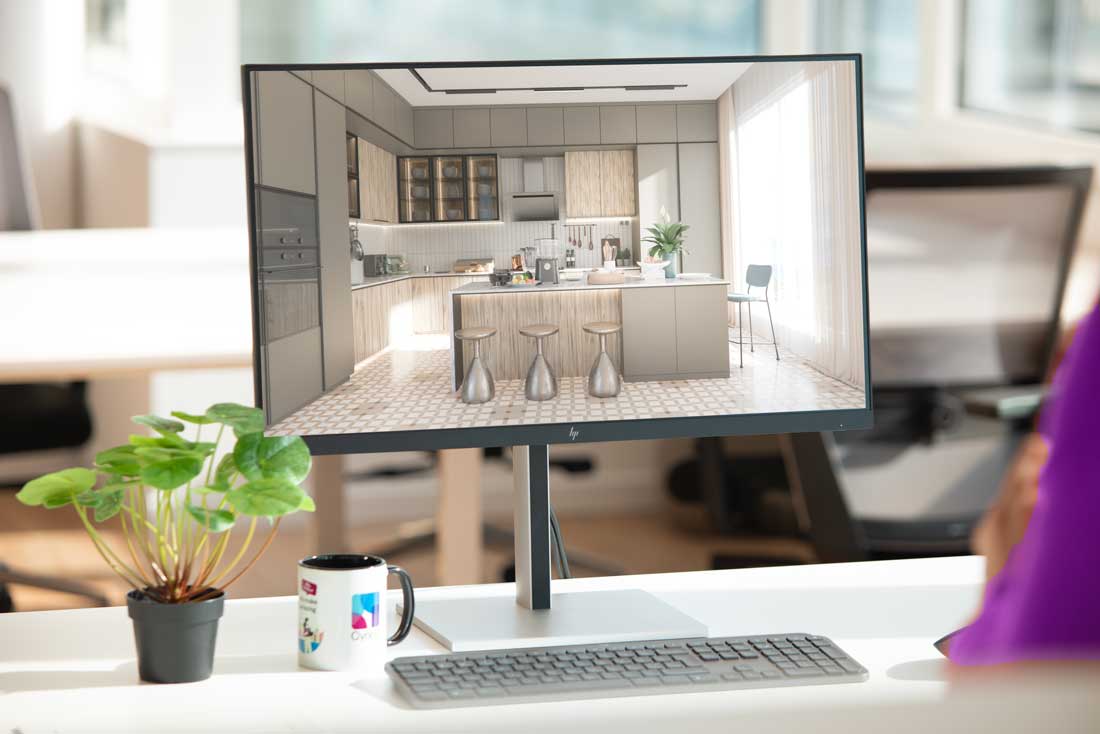
What software do kitchen designers use? An honest look at the tools professionals rely on
 Cuisine
21/07/2026
Explore the essential software kitchen designers use, from CAD to specialized platforms like Cyncly Design Flex and Winner Flex.
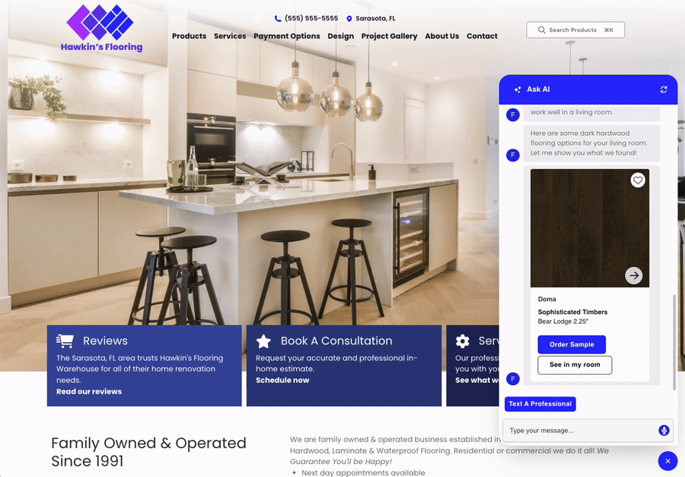
The Connected K&B Website: From First Search To First Consultation
Cuisine
Salle de bain
20/07/2026
A K&B shopper spends months researching before contacting a retailer. A connected website lets her explore products, form preferences, and book a consultation at 9pm on a Tuesday — and delivers everything she did to the designer's inbox before the first call. This article walks the nine signals that show where the gaps are and the 90-day path to closing them.
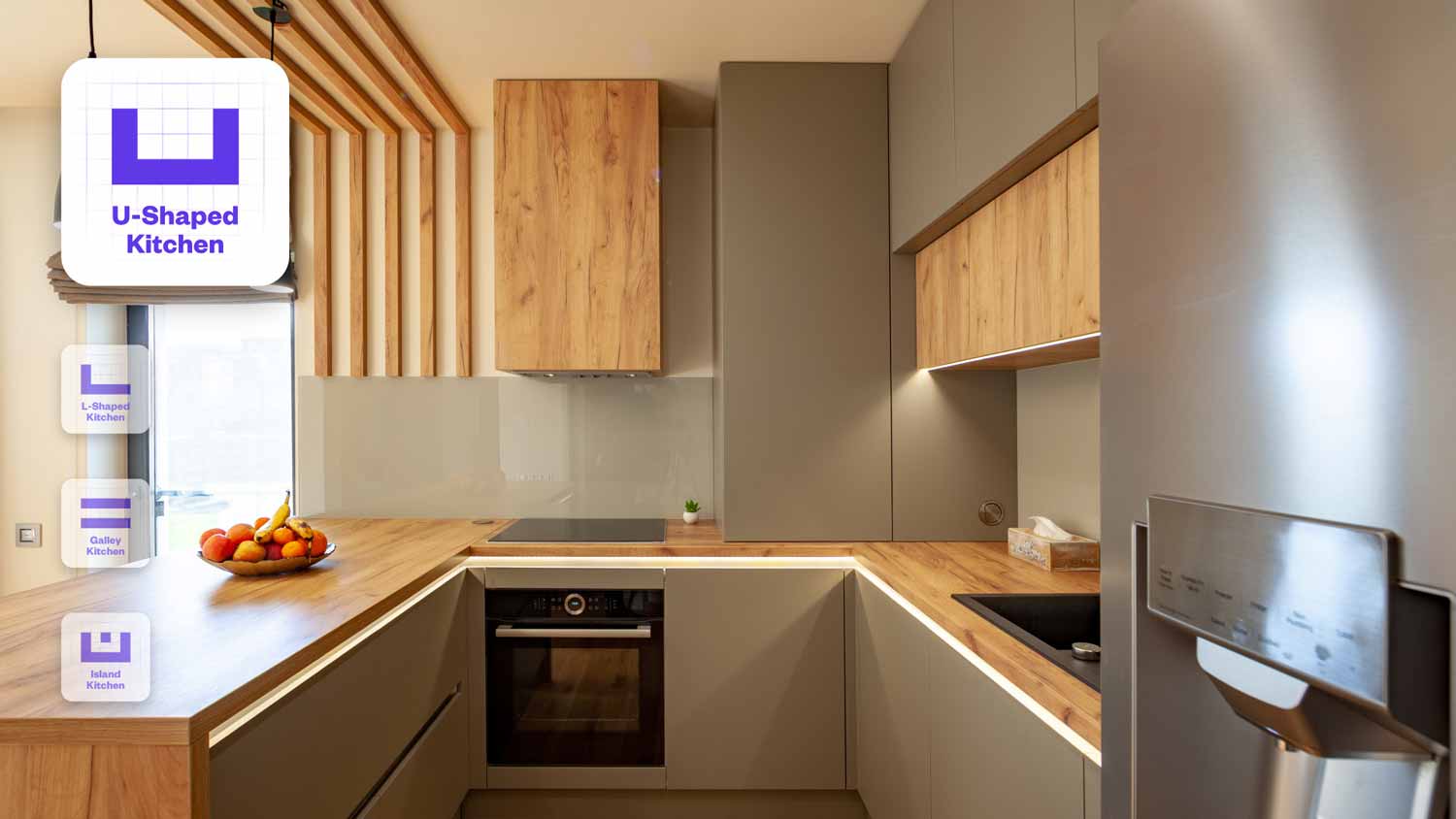
How to Design a Kitchen Layout: A Step-by-Step Guide for Professionals
Cuisine
22/06/2026
Learn how to design a kitchen layout step by step, from measurements and the work triangle to storage planning and 3D visualization.